Contactless Payment on the London Underground: The Complete 2026 Guide
Gone are the days of queuing for paper tickets or topping up an Oyster card at the machine. Contactless payment has quietly become the default way most people move through the London Underground, and once you understand how the fares and caps actually work, it’s hard to imagine going back. Here’s everything you need to know before you tap in.
What Is Contactless Payment on the Tube?
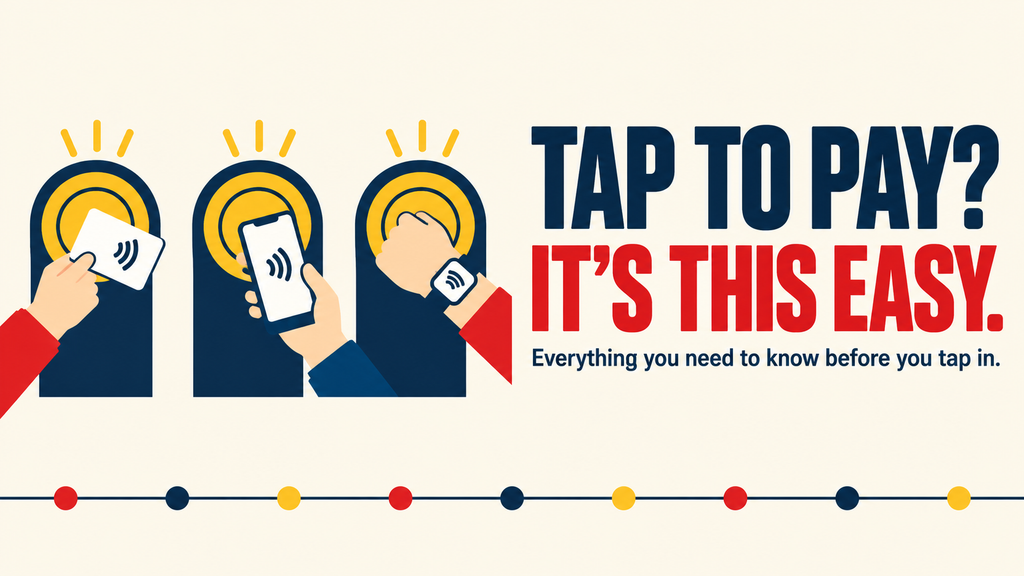
“Contactless” simply means any card or device that can tap a reader without being inserted or swiped. On the Underground, that includes:
- A contactless debit or credit card
- A phone with Apple Pay, Google Pay, or Samsung Pay set up
- A smartwatch with payment enabled
If it works in a shop, it almost certainly works at the gates.
Contactless vs Oyster: Do You Actually Pay More?
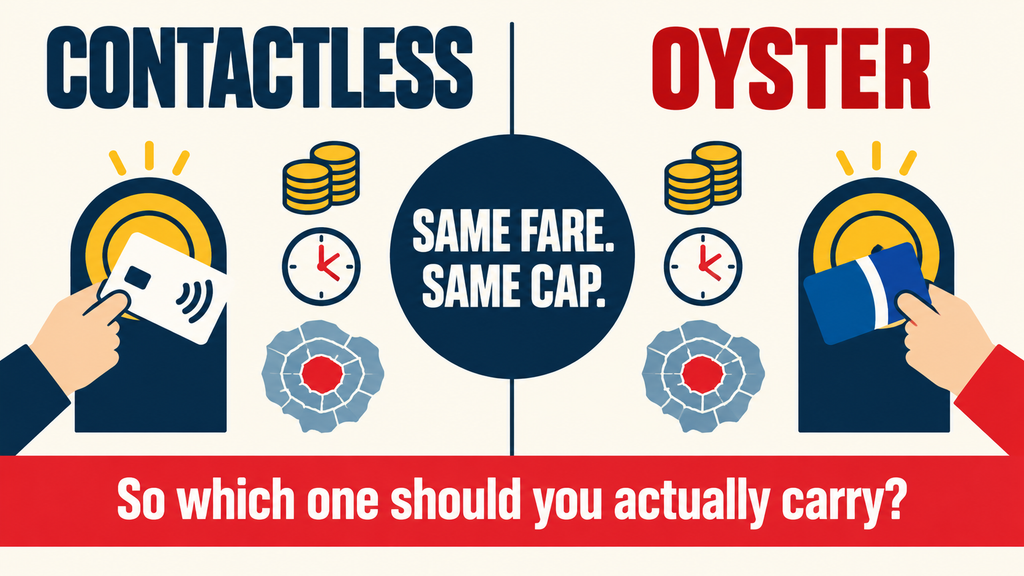
No — you pay exactly the same fares as an Oyster card user, including the same daily and weekly caps. TfL’s back-end system compares every journey you make across the day and automatically charges you the cheapest combination once you tap out for the last time.
How Daily and Weekly Capping Works
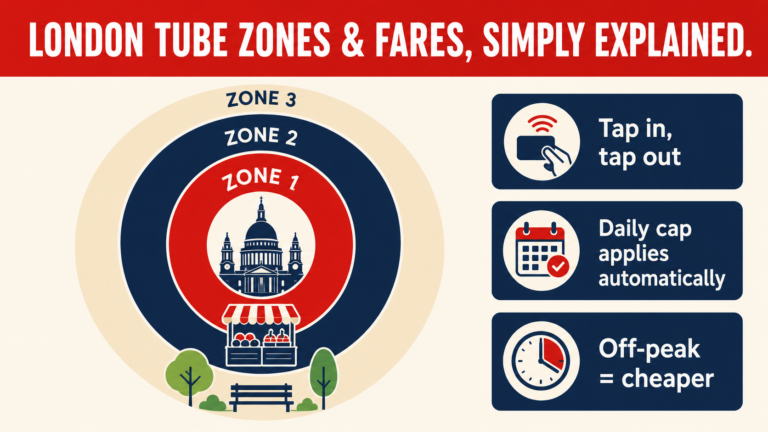
The system tracks every tap across a calendar day (and a rolling Monday-to-Sunday week) and simply stops charging you once you hit the cap for the zones you’ve travelled in. Make five journeys in Zone 1 in one day and you’ll likely pay the same as someone who made two — the cap does the maths for you. For the full breakdown of zones, peak vs off-peak pricing, and how caps stack across a week, see our complete guide to London’s Tube zones and fares.
How to Tap In and Out: Step by Step
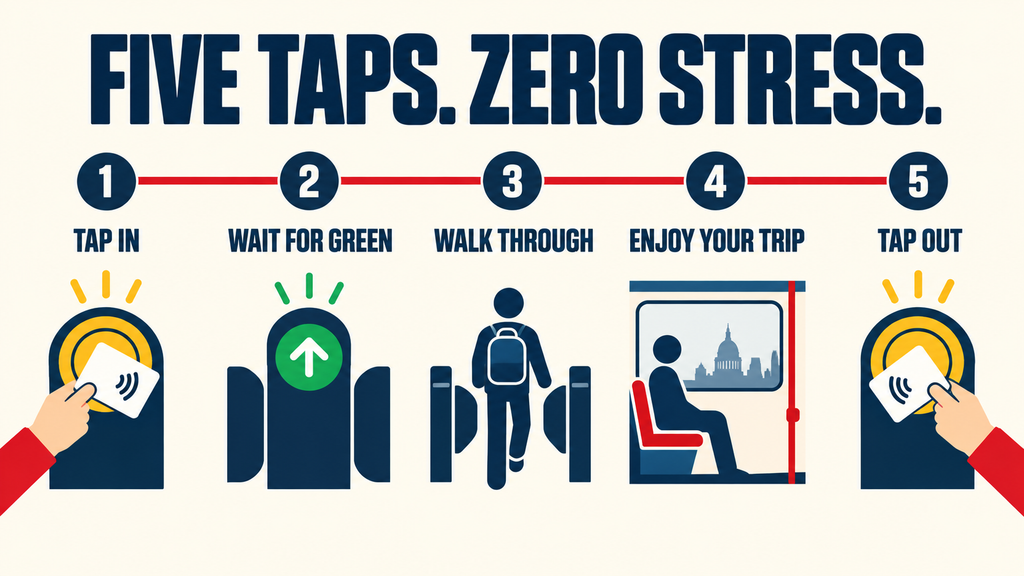
- Approach the yellow reader at the station gate.
- Hold your card, phone, or watch flat against the reader.
- Wait for the green light and the beep.
- Walk through.
- Always tap out with the same card or device at your destination — this is the step people forget, and it’s the one that costs you the most.
Card clash. Don’t tap your whole wallet against the reader. If you’re carrying more than one contactless card, the reader may pick the wrong one — or fail to read anything at all. Take the one card out before you approach the gate.
Common Contactless Mistakes to Avoid
Switching cards mid-journey. Tap in with one card and out with another and the system can’t match the journey, which usually means you’re charged the maximum fare instead of the capped one. Same card, in and out, every time.
Low battery on a phone or watch. A dead phone at the barriers with a queue behind you is not a great start to the day. If you’re relying on mobile payment, a physical card as backup is worth carrying, especially on a long day out.
Contactless for Tourists and International Visitors
Most international contactless cards work fine on the Underground, though it’s worth checking with your bank about foreign transaction fees before you travel — some card issuers still charge a small percentage per tap, which adds up over a week of sightseeing. If you’re arriving from Heathrow, our guide to getting from Heathrow to central London by Tube covers which card to have ready before you even reach the gate line, and if you’re planning to use the Elizabeth line during your stay, our Foodie’s Day on the Elizabeth Line: From Paddington to Canary Wharf
is worth a read too.
For visitors staying several days and making a high volume of journeys, it’s still worth comparing contactless against a Visitor Oyster card — the fares are identical, so the decision usually comes down to whether you want a physical card as a souvenir or backup.
Tracking Your Spending
Register your contactless card on the TfL website and you’ll get access to a full journey history, monthly statements, and email alerts for anything that looks off. It’s a five-minute job and the easiest way to catch an incorrect charge before it becomes an argument with your bank.
When Oyster Still Makes Sense
Contactless isn’t the right answer for everyone. Consider sticking with — or adding — an Oyster card if you:
- Have a discount (Freedom Pass, 60+ Oyster, student discount) that’s tied to a physical card
- Need to expense your travel and want a clearer, itemised receipt
- Are travelling as a group, where a group ticket may work out cheaper
Tips for Regular Commuters
- Register your card for journey history and receipts.
- Set up a second payment method (a backup card or a linked wallet) in case you lose the primary one.
- Check your daily and weekly caps periodically — fare zones and prices are reviewed annually.
- If you commute the same route five days a week, compare the annual cost against a Travelcard linked to your contactless account — season ticket savings can outweigh the flexibility of pure pay-as-you-go.
Frequently Asked Questions
Does contactless cost more than Oyster on the Tube? No. Fares and caps are identical — TfL charges the same amount either way.
Can I use a US or EU contactless card on the London Underground? In almost all cases, yes. Check with your card issuer about foreign transaction fees before you travel.
What happens if I forget to tap out? You’ll be charged the maximum fare for that journey, which can be significantly more than the capped price. Always tap out, even if the gates are already open.
Is contactless safer than carrying cash or an Oyster card? It carries no stored balance, so there’s nothing to lose if the card is misplaced — though as with any card, report it to your bank immediately if it goes missing.
Fare information and payment options are subject to change — check the Transport for London website for the latest details.